Mac system audio streaming
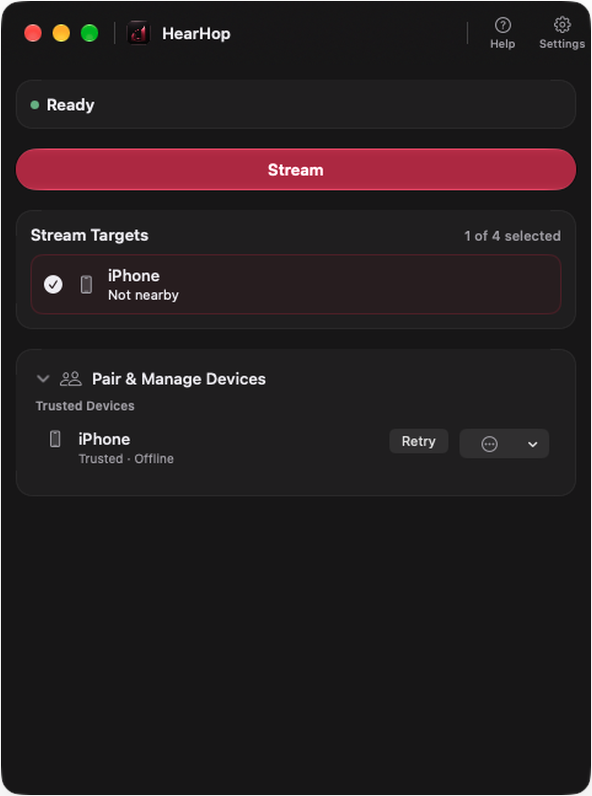
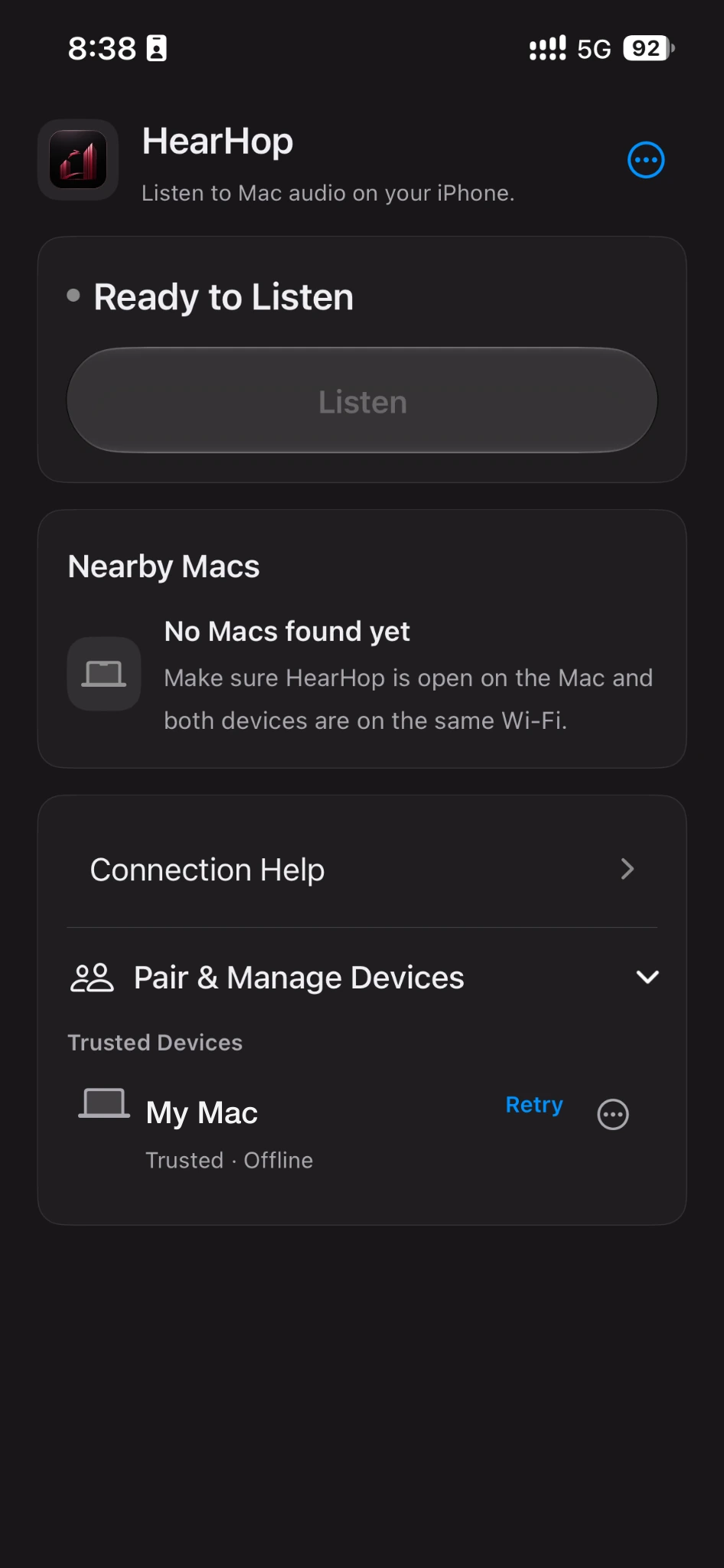
Stream what your Mac is playing to nearby iPhones and iPads over your local network. Your Mac speakers keep working — HearHop does not replace your output device.
 HearHop
Capabilities based on the current HearHop Mac and iOS apps. We only list what the product actually ships.
Stream what your Mac is playing to nearby iPhones and iPads over your local network. Your Mac speakers keep working — HearHop does not replace your output device.
Select up to four stream targets at once. Add or remove nearby iPhones and iPads while streaming is active.
Audio stays on your network path for nearby listening — not a cloud relay for the stream.
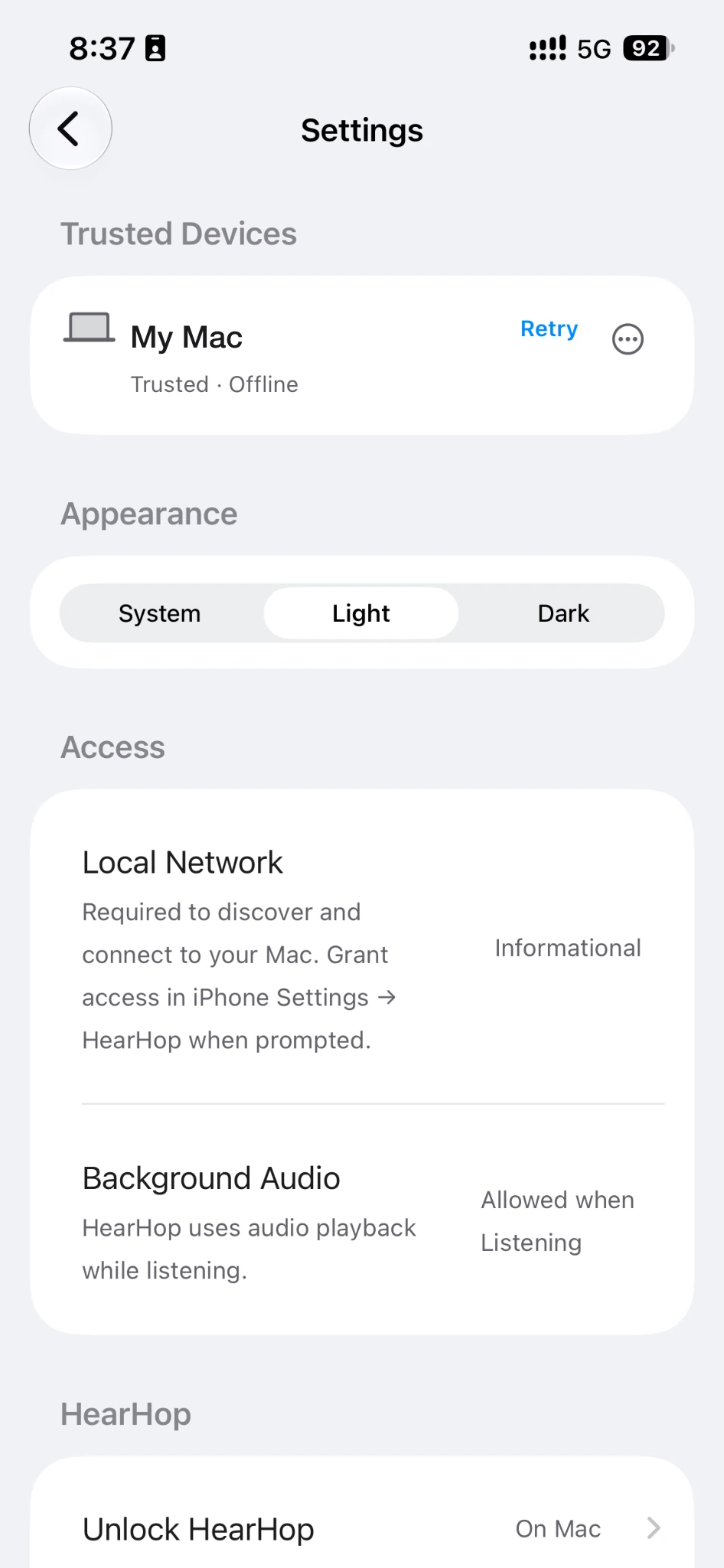
Pair once with a matching verification code, then manage trusted devices — rename, forget, or retry reconnect when devices are nearby.
Audio between your paired, trusted devices is authenticated and encrypted on the local network.
Listening on iPhone and iPad stays free. Unlock happens on the Mac after the trial.
Keep listening on iPhone while you switch apps. HearHop can show a Now Playing session while Listening is on.
Play through your iPhone’s speakers or headphones — including Bluetooth headphones. Behavior can vary by headphones and iOS version.
Control Stream and Stop from the Mac menu bar, and open HearHop, Settings, or Help without digging for the window.
Try streaming with a 30-minute cumulative Mac Stream trial, then unlock once for unlimited streaming on that Mac. No subscription.
Mac and iOS apps support system, light, and dark looks so HearHop fits the rest of your devices.