
How HearHop works
HearHop streams your Mac’s system audio to nearby iPhones and iPads on the same local network — up to four listeners at once. You install HearHop on both sides, pair once, then stream and listen.
1. Install on Mac and iPhone
Get HearHop from the Mac App Store and the App Store for iPhone and iPad when the listings go live. Keep both apps available when you want to listen.
2. Join the same Wi‑Fi
Both devices need to be on the same local network so HearHop can discover and connect without sending audio through the public internet.
3. Pair and trust
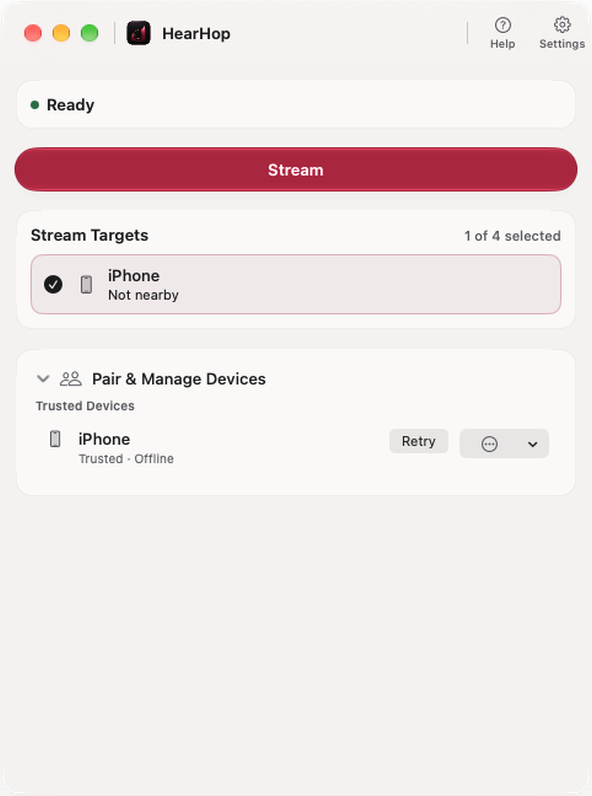
Pair with a matching verification code once. Manage trusted devices — rename, forget, or retry — then reconnect quickly when both are nearby and online. Audio between paired, trusted devices is authenticated and encrypted.
4. Stream and listen
On the Mac, choose up to four stream targets and start streaming — from the app window or the menu bar. Your Mac speakers keep working. On each iPhone or iPad, tap Listen. Audio can continue in the background while you use other apps.
Need a hand?
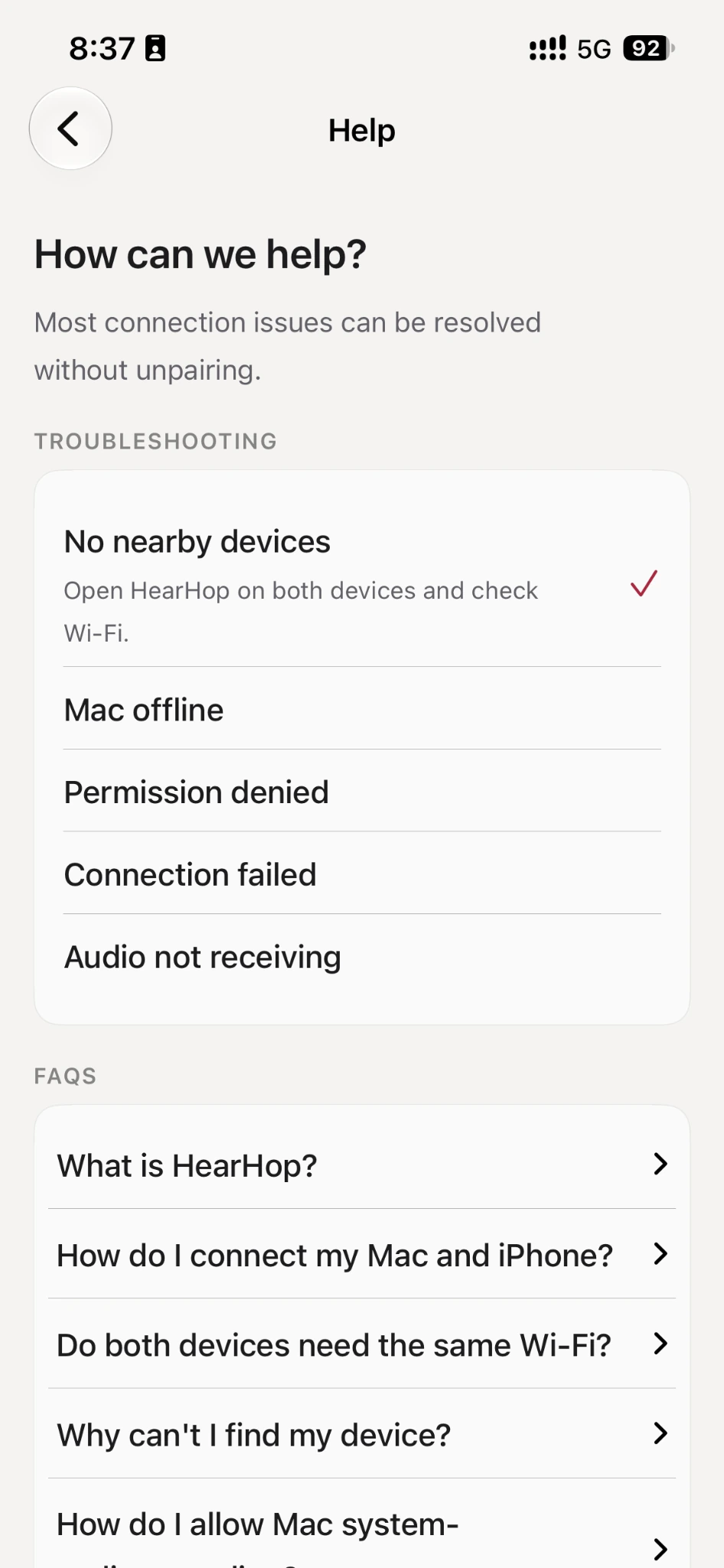
Connection tips and FAQs live in the iOS app Help screen and on this site.